The Problem: Chaos in the Field
Site managers were facing a logistical nightmare. Documenting progress on construction sites relied on decentralized channels: workers sending random photos via WhatsApp or SMS, often without context or location data.
This led to hours of wasted time manually sorting photos and a lack of reliable data for client reports. The goal was to centralize this flow without adding administrative burden to the workers.
The Insight: "Dirty Hands" UX
The core constraint: The end-users are construction workers. They often wear gloves, have dirty hands, and work under bright sunlight. They don't have the patience (or the dexterity) to navigate complex menus.
The solution had to be radical simplification. The mantra became: "Open → Shoot → Done".
1 — Zoning for Speed
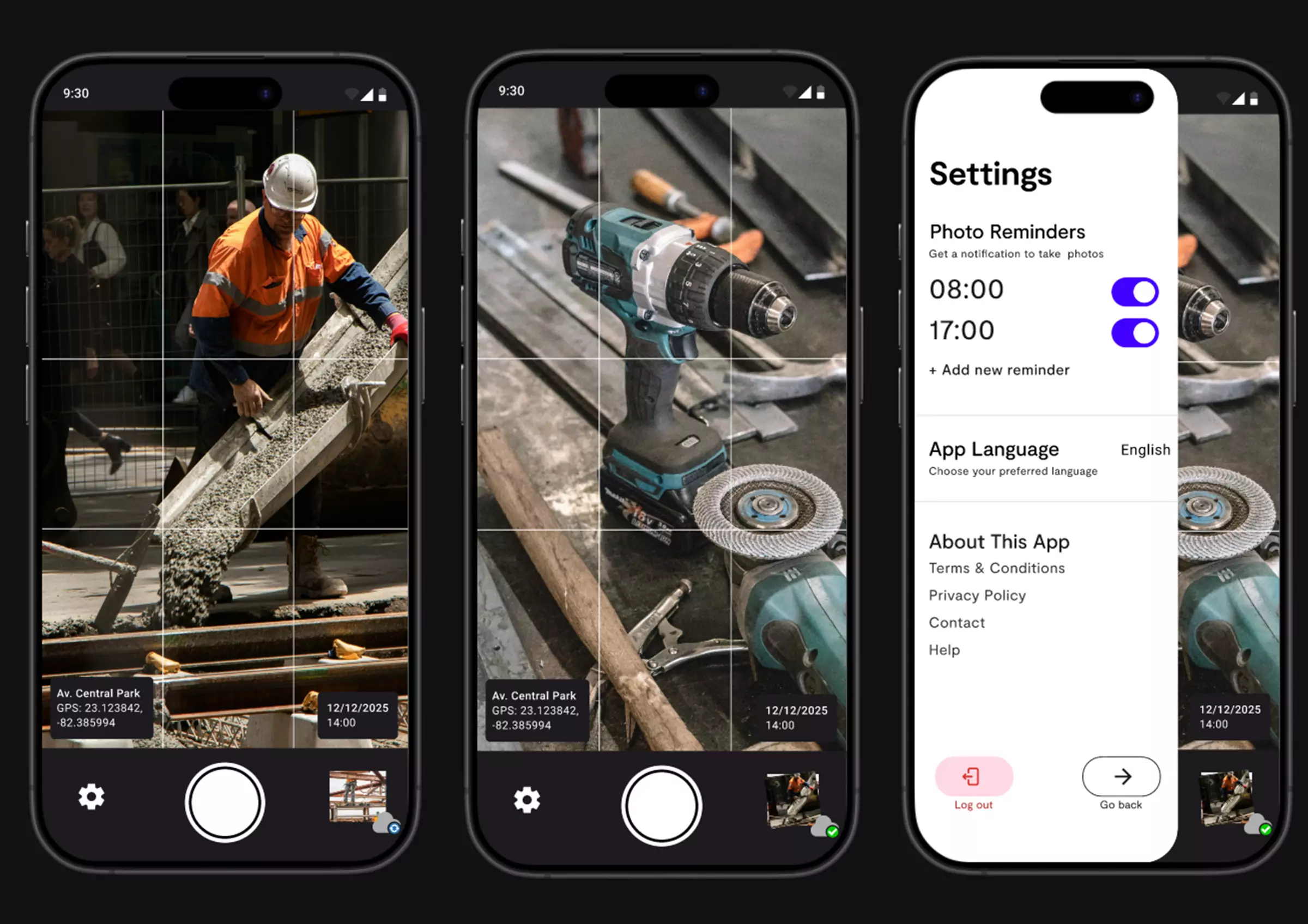
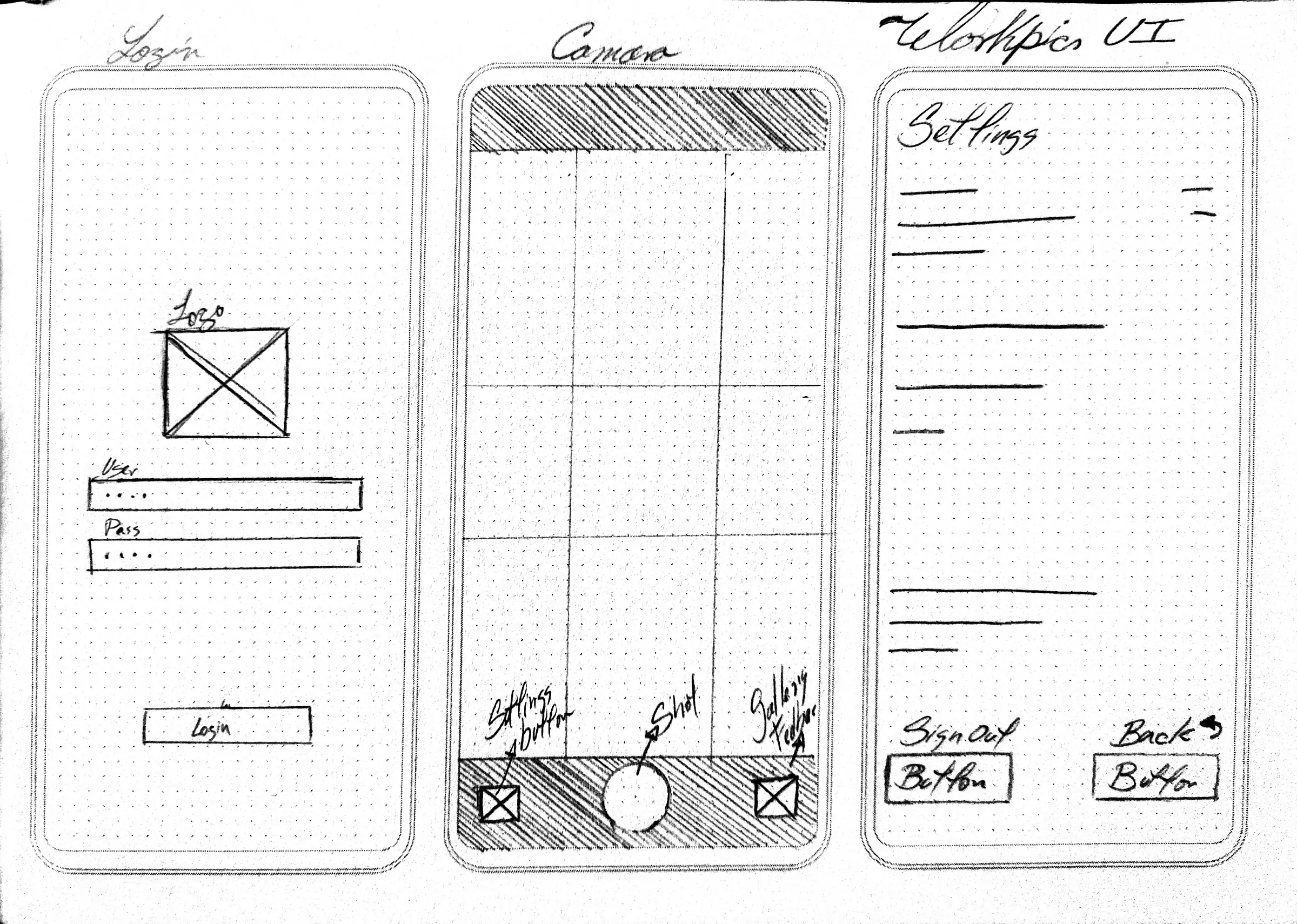
I started with paper zoning to strip away every non-essential element. We automated the data entry: geolocation, time, and user ID are captured in the background. The user only needs to frame the shot.
Key UX Decisions:
- Login & Forget: Workers log in once. The app remembers their session and assigned site.
- Camera First: The interface mimics standard native cameras to reduce the learning curve to zero.
- Oversized Controls: Buttons are large and spaced out to prevent miss-clicks with gloves.
2 — Prototyping & High Contrast UI
I moved to Figma to create a high-fidelity prototype. I implemented a "High Brightness" mode with strong contrast ratios to ensure legibility outdoors. The UI provides immediate visual feedback (green checks) so the worker knows the data is synced without reading text.
Try Figma Prototype →3 — Visual Identity: Safety & Efficiency
The brand needed to feel like a tool, not a toy. I developed a palette inspired by industrial safety gear (High-vis Orange, Signal Green) combined with a deep tech blue for reliability.
Color Palette
#F5F5F5
Clarity
#4300FF
Trust
#08CB00
Success
#FF6600
Alert/Action


Project Gallery
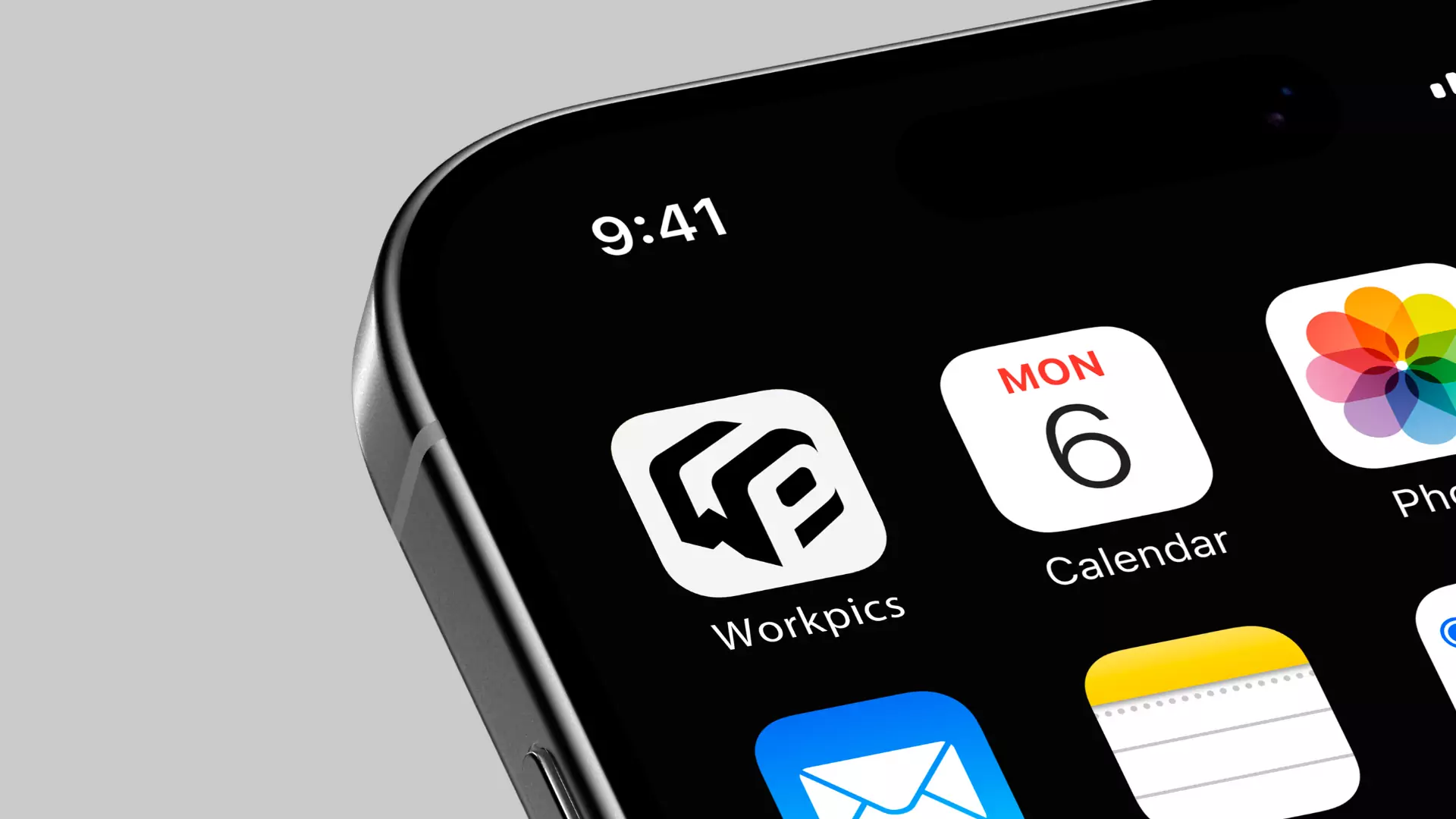
Final high-fidelity mockups showing the interface and brand application.